Format Painter - How is that even missing?

After buyin Xmind, I just realize that one of the most important features which is now present in almost all text based software including other competing MindMap software is glaringly missing. The format painter. Edrawmind has it and others have it. Honestly feel like, I need to abandon Xmind just for that one feature.
The ability to select any topic or subtopic and apply format of another one should be included. Currently I can only only apply format / style universally to a level's topic or to a all subtopic. But sometimes, I want different formats from another point to be copied. Or select random topics and update the same style.
-

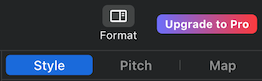
In the format pane, the Map tab changes global styles. The Style tab changes the style of whatever nodes are selected.You can select multiple nodes. On Mac, hold the cmd key while you click nodes. Presumably it's the ctrl key on Windows.
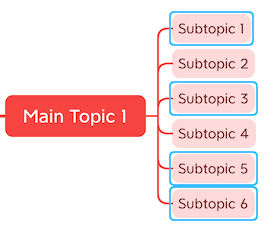
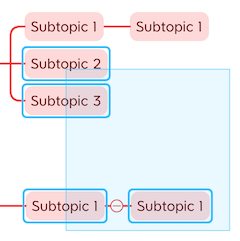
You can also select multiple nodes by holding left-click and dragging the cursor over them.
You can save 3 extra styles for later use.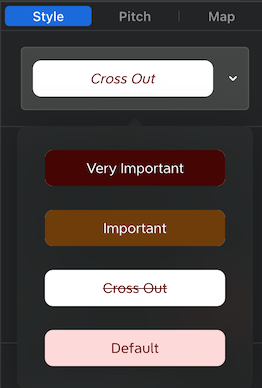
You can remove the strikethrough from the Cross Out style.

-

This is actually very easy to achieve:
1. Select the element (topic, relationship etc) with the style you want to apply to others. Right click -> Copy style.
2. Select the element(s) you want to apply the copied style to (use click/drag or shift/ctrl click for multi-select). Right click -> Paste style.
See the menu items for the relevant hotkeys for this.

Please sign in to leave a comment.
Comments
3 comments