restore window position\maximized

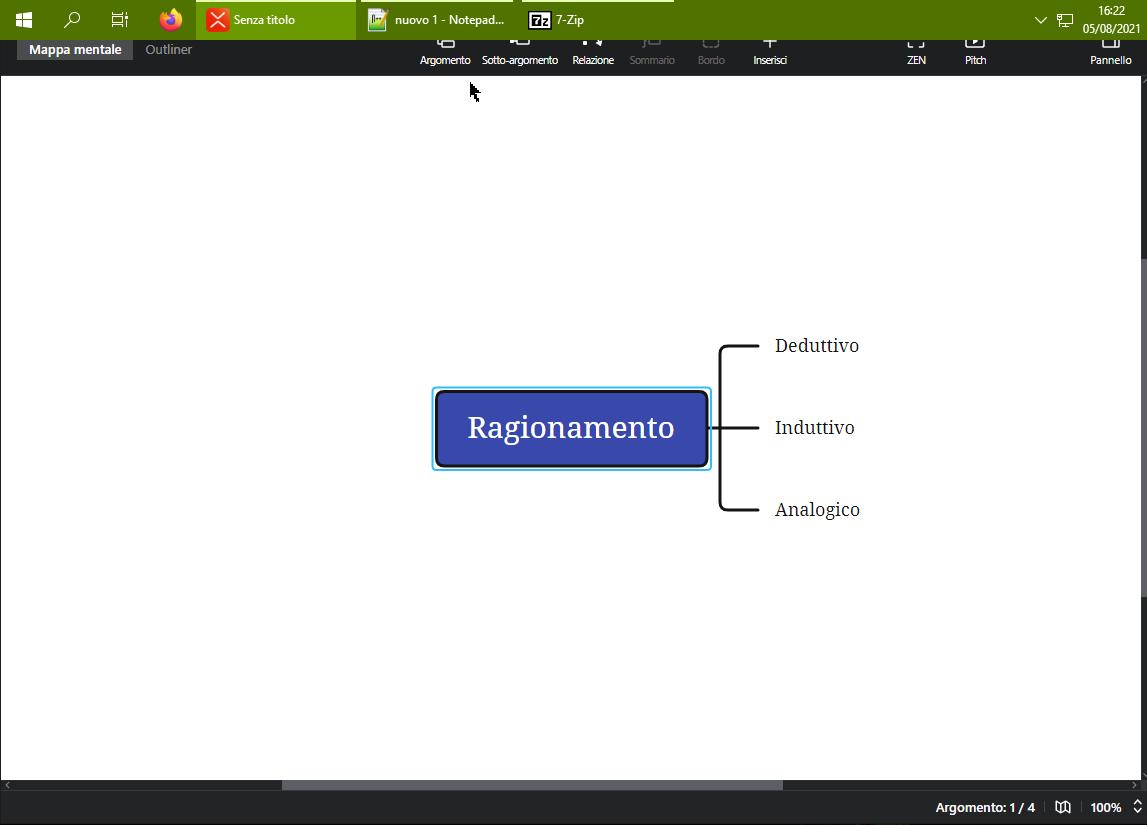
In win10, when I start Xmind, and then click create using a tamplate, the window opens on the top left.
Since I have windows bar always visible at the top, the new XMind window with the menu is not displayed in the correct position.
Can you introduce saving of the window in the last used position? So that, the next time XMind starts, it reads the correct window position.
Thanks for your work.
Greetings
 Ernesto
 Please sign in to leave a comment.
Comments
0 comments