How do I change the default font in XMind 8 Pro?

Hi,
I am using XMIND8 Pro.
The default font is very small so I would like my default font to be larger and a different font. I can't figure out in your settings where I can change the default font? It's real cumbersome to have to continually highlight what I just added and change the font and its size.
I saw a post from 7 mo. ago with someone else asking but no reply from XMind. Just a second comment of someone else asking also.
Thanks!
Chris
-

a simple way, but you need administration permission.
please follow me.
1 - under the installation path of xmind. for my computer is: C:\Program Files (x86)\XMind\plugins\org.xmind.ui.resources_3.7.9.201912052356\styles
then you could find a file: theme.xml.
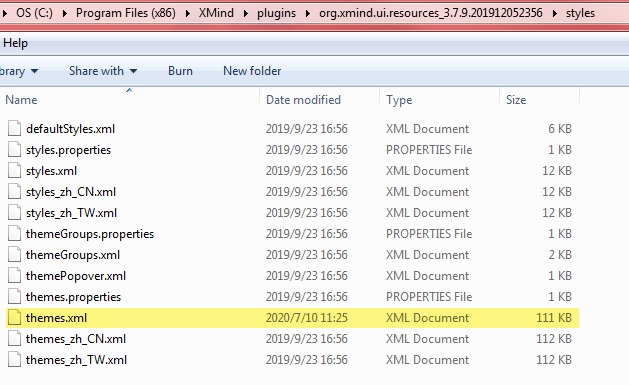
2 - please open it by notepad.
3 - search and replace the font to what you want.
for example, I change the font from "Robot Slab" to "Arial".

enjoy it

Please sign in to leave a comment.
Comments
3 comments